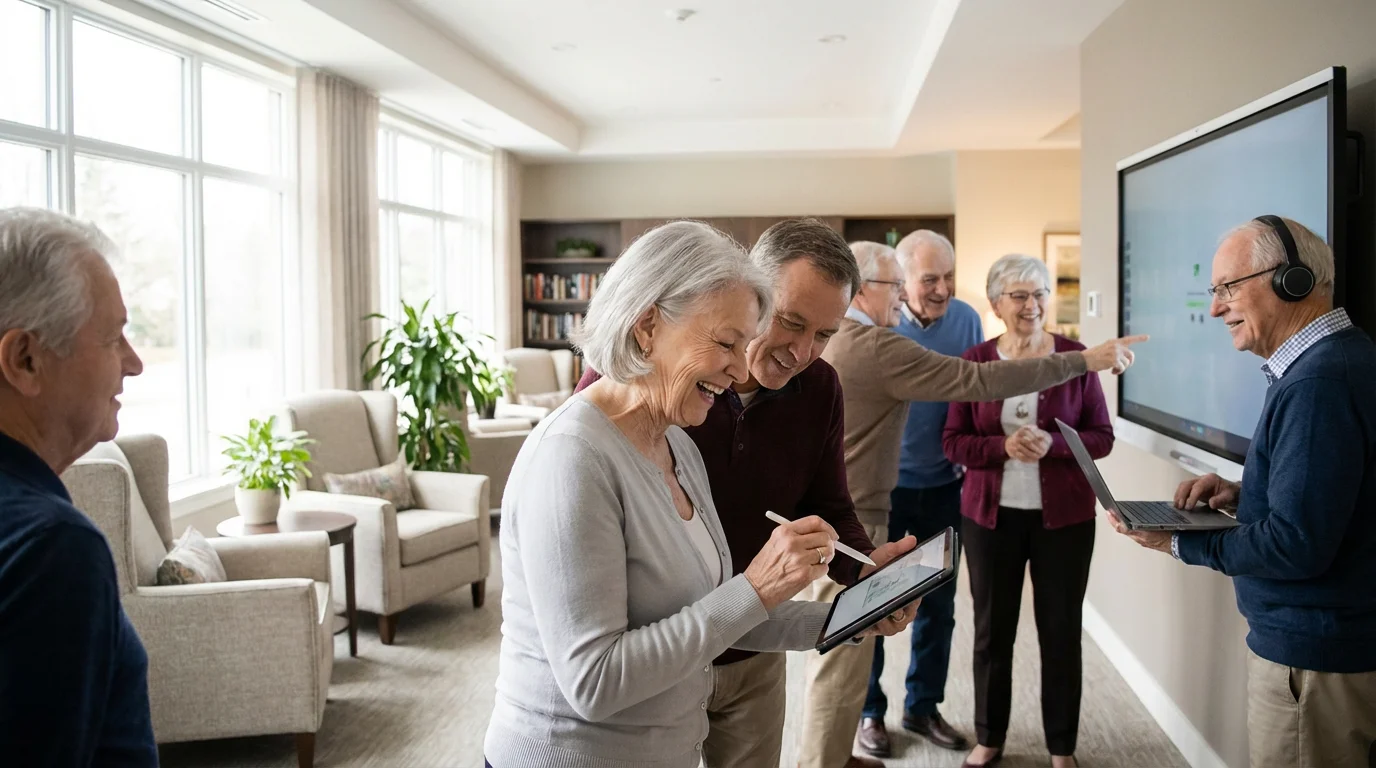
When Dorothy and I started looking at retirement communities, I had my trusty spreadsheet ready. I’d spent two full years researching, building a comparison matrix with 14 variables to make sure we covered every angle.
From amenities and care levels to the nitty-gritty of financial planning, I had it all laid out.
Of course, identifying these technology needs was just one part of the broader process of choosing the right retirement community for our lifestyle.
But one aspect that quickly moved from a “nice-to-have” to a “must-have” on my list was technology. Modern 55+ communities like Hawthorn Ridge aren’t just about warm weather and pickleball; they’re embracing new tech in ways that truly transform daily life.
For me, technology for seniors in retirement communities isn’t just about gadgets; it’s about practical tools that keep us connected, independent, and engaged.
It helps Dorothy and me stay in touch with our kids in Cincinnati, Seattle, and Austin, manage our health, and even find new hobbies.
Understanding how these tools are integrated into a community was a key part of my research, and it empowered us to make what I now know was the right decision about our future home.
This guide will walk you through how I see Senior Technology supporting a vibrant, connected lifestyle, based on what we’ve experienced.
In this guide9 sections
- Understanding the Value of Senior Technology
- Smart Home Technology: Enhancing Independence and Safety
- Communication Tools: Bridging Distances and Fostering Connection
- Health and Wellness Technology: Proactive Care and Monitoring
- Entertainment and Learning: Enriching Daily Life
- Technology in Different Senior Living Settings
- Choosing the Right Technology: Practical Considerations
- Addressing Challenges and Embracing the Future
- Frequently Asked Questions

Understanding the Value of Senior Technology
When I was building my comparison matrix for 55+ communities, I initially thought of technology as a bonus, something nice to have. But as I dug deeper, I realized Senior Technology has evolved far beyond basic communication devices.
Today, it encompasses a wide array of tools designed specifically for us, and I quickly moved it up my list of “must-haves.” These innovations aren’t just gadgets; they’re integral components of a supportive living environment, especially in communities like Hawthorn Ridge.
They foster engagement and give us, and our kids, peace of mind.
The core value of what I call “Retirement Tech” lies in its ability to empower us. It helps us maintain our autonomy, manage our health effectively, and stay socially connected.
These technologies address common concerns related to aging, providing practical solutions for convenience, safety, and combating isolation. I noticed that many communities, including ours, now proactively integrate these tools, recognizing their positive impact on quality of life.
Just consider the myriad benefits technology provides. It simplifies daily tasks and opens new avenues for personal growth.
From voice-activated assistants (Dorothy uses ours to set baking timers now) to wearable health monitors, senior technology uses a variety of applications to make life easier and more enjoyable.
Communities like Hawthorn Ridge actively seek ways to leverage these tools for resident enrichment and care delivery, and that was a big factor in my final decision.
Smart Home Technology: Enhancing Independence and Safety
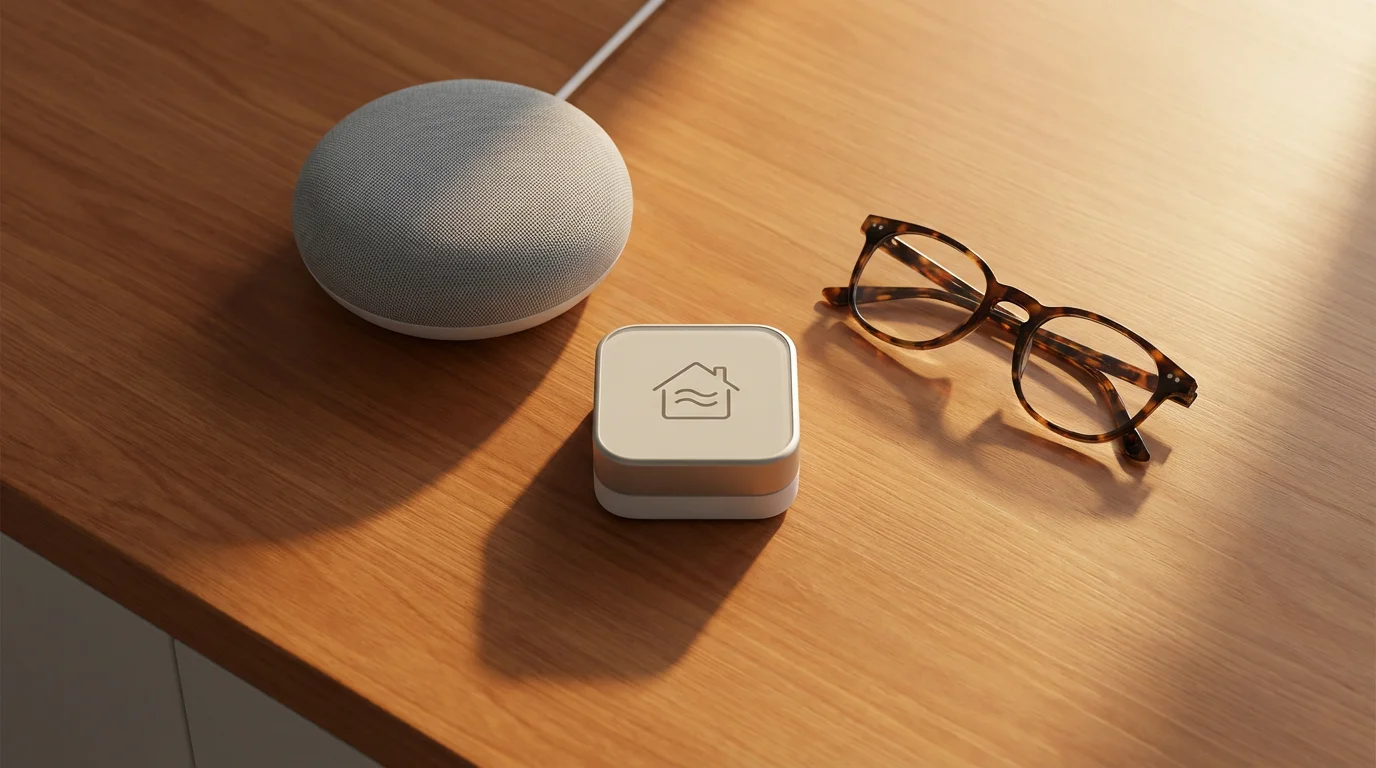
As a retired civil engineer, I appreciate efficiency and smart design, and smart home technology really caught my eye during our community research. It integrates seamlessly into senior living, offering tangible benefits for independence and safety.
These systems allow for automation and remote control of various household functions, giving us greater control over our environment and reducing daily hassles. Many retirement communities now feature smart home capabilities as standard amenities, and ours has a few that I find quite useful.
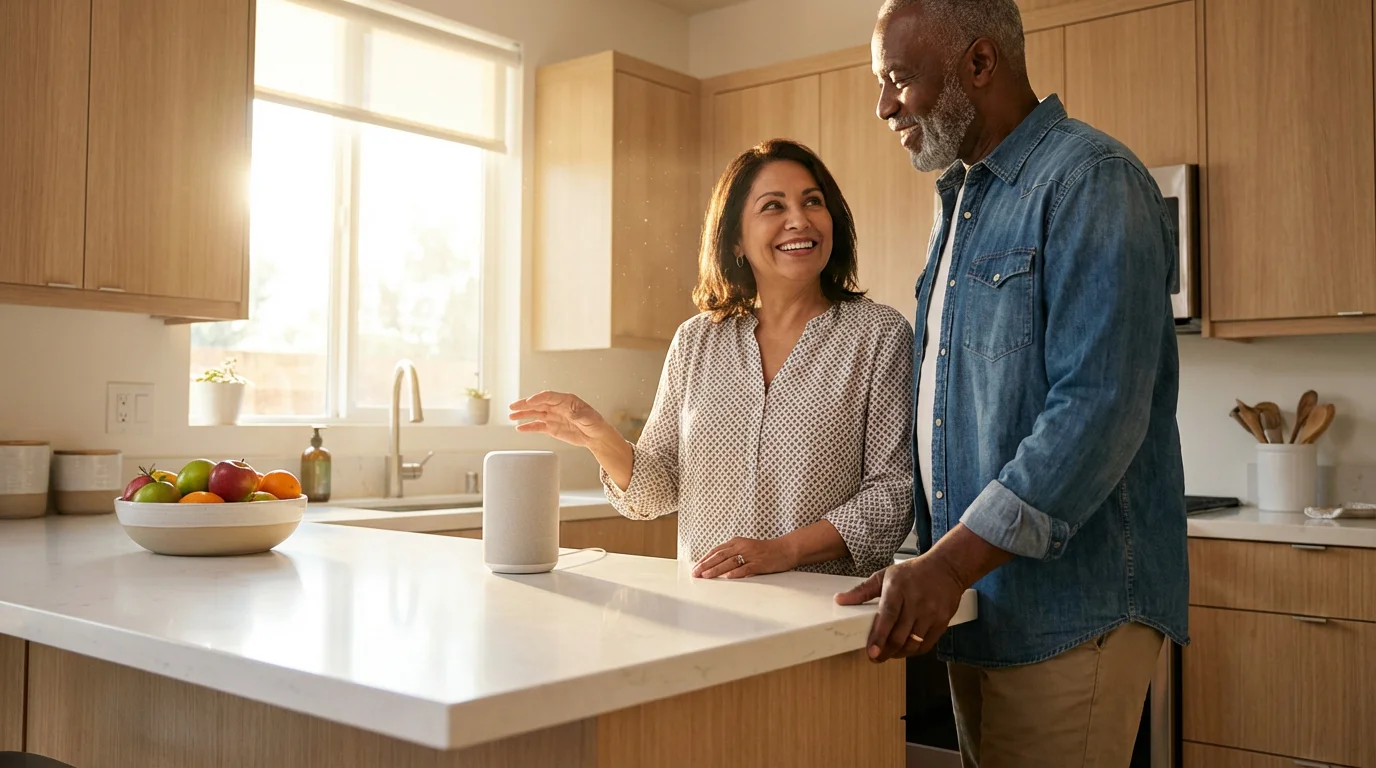
Voice-activated assistants, like the one Dorothy now uses in the kitchen, are prime examples of useful senior technology. She can use it to set reminders for her watercolor class, make calls, control lights, adjust the thermostat, and even play music with simple voice commands.
This functionality reduces the need for manual dexterity and provides immediate assistance, enhancing accessibility. I even use it to check the weather before my pickleball games.
Automated lighting systems contribute significantly to safety. Motion-sensing lights can illuminate pathways automatically, reducing the risk of falls during nighttime excursions.
Smart thermostats learn your preferences, optimizing room temperature for comfort and energy efficiency. These systems adapt to your routines, creating a more responsive and comfortable living space, which was a big plus for me when I was evaluating communities.
Security is another area where smart home technology excels. Door and window sensors provide alerts if an entry point is unexpectedly opened.
Smart locks allow authorized family members or staff to access your home remotely if needed.
Video doorbells let you see and speak to visitors without opening the door, enhancing personal security and peace of mind. It’s a practical layer of security I appreciate.
- Common Smart Home Devices:
- Voice-activated assistants for commands and information.
- Smart lighting for automated illumination and energy savings.
- Smart thermostats for climate control and comfort.
- Remote door locks and video doorbells for enhanced security.
- Motion sensors to detect movement and prevent falls.

Communication Tools: Bridging Distances and Fostering Connection
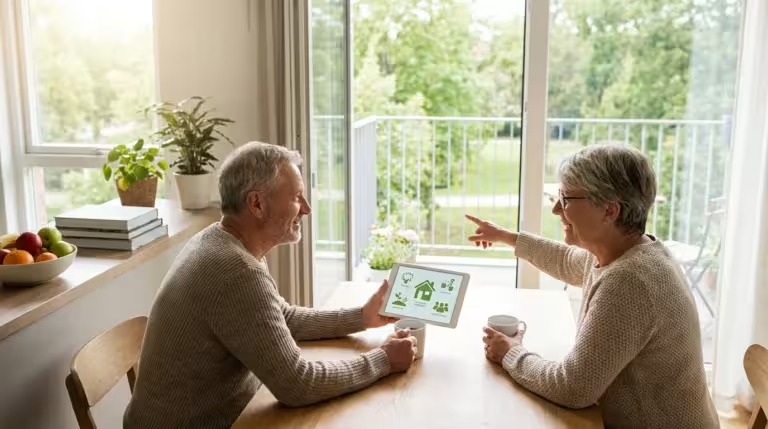
Staying connected with Karen in Cincinnati, Michael in Seattle, and Susan in Austin, not to mention Lily and Noah, is paramount for Dorothy and me. Modern communication technology makes this easier than ever.
Some communities even use these platforms to facilitate intergenerational programs that connect residents with students for mentorship and storytelling.
Making sure we had the right infrastructure for these tools was a top priority during our retirement relocation search.
When we moved from our 2,400 sq ft colonial on Elmwood Drive in Columbus, Ohio, to Hawthorn Ridge in Sarasota, Florida, I knew we’d miss the physical proximity.
But I made sure our new community offered robust internet access and support for various digital communication platforms. This ensures we can maintain strong social bonds regardless of the distance.
These tools are central to many senior technology uses.
Video calling applications, such as Zoom and FaceTime, allow for face-to-face interactions with our loved ones. We get to see Lily and Noah growing up, even though they’re thousands of miles away.
Dorothy still tears up remembering when Karen said, “Mom, the grandkids want YOU, not the house,” and these video calls prove her right every time. These platforms are typically user-friendly, often requiring just a few taps to initiate a call.
I’ve even helped some of our newer neighbors get set up with them.
Messaging apps, like WhatsApp, provide quick and convenient ways to share updates, photos, and messages. Our family group chat is always buzzing with pictures of the grandkids.
These tools foster ongoing, informal communication that strengthens relationships, making everyone feel more involved and connected. Our community also uses a similar platform to share updates with residents, which is quite handy.
Social media platforms also offer avenues for connection. While Dorothy uses Facebook to connect with her “Florida family” and old friends from Ohio, I mainly use it to keep up with news and local events.
These online communities provide opportunities to engage with peers, discuss hobbies, or simply stay informed. What technology is useful for seniors often includes these diverse social tools for maintaining vibrancy.
Email remains a fundamental communication tool, allowing for more formal correspondence and sharing of digital content. Our community provides internet access throughout the facilities, which was a non-negotiable for me.
This comprehensive approach to connectivity ensures every resident finds a comfortable way to engage digitally. According to the AARP, staying connected digitally is a key factor in senior well-being, and I certainly agree.
Health and Wellness Technology: Proactive Care and Monitoring
Health and wellness technology plays a transformative role in senior care, particularly within communities designed for independent living like Hawthorn Ridge. This Retirement Tech empowers us to manage our health proactively, providing peace of mind through continuous monitoring and immediate access to support.
When I was doing my research, I looked specifically at what was offered, because as a civil engineer, I appreciate systems that work efficiently and reliably.
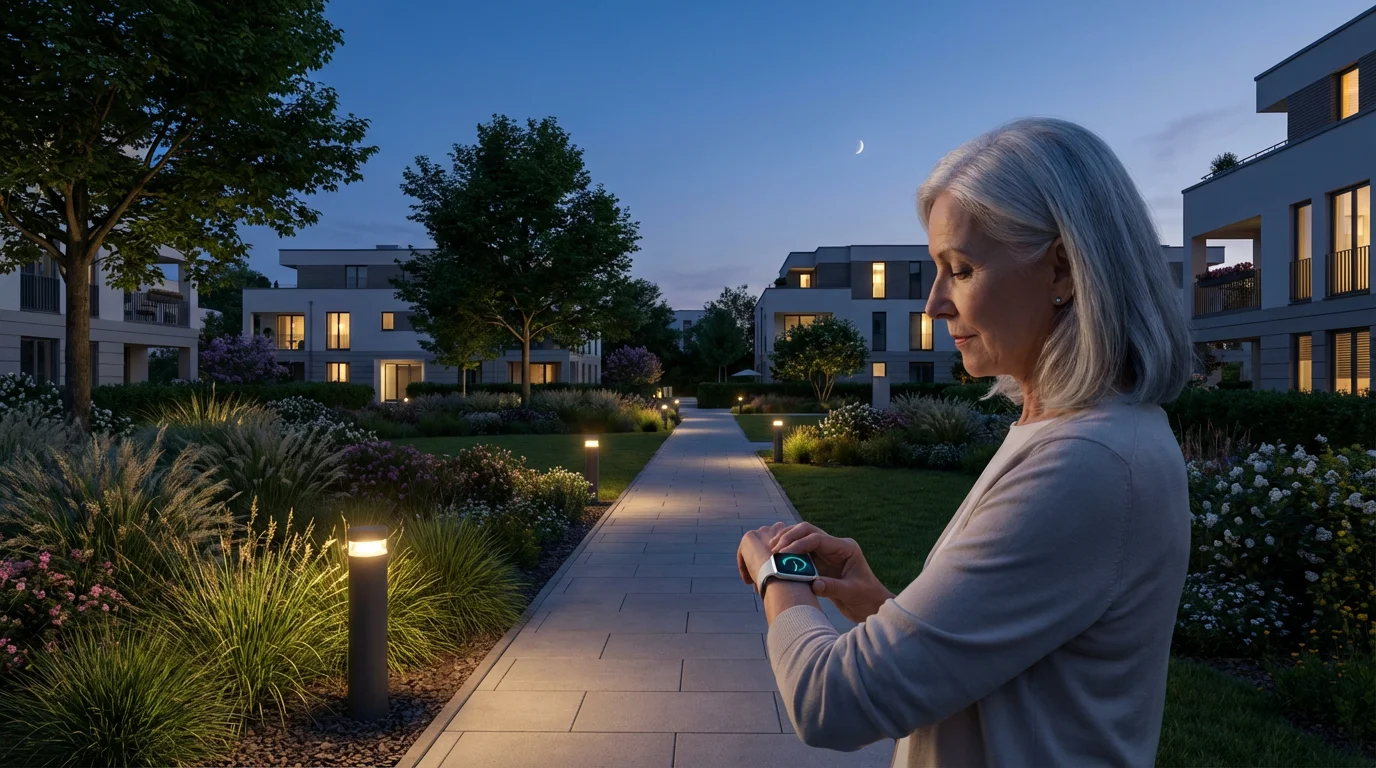
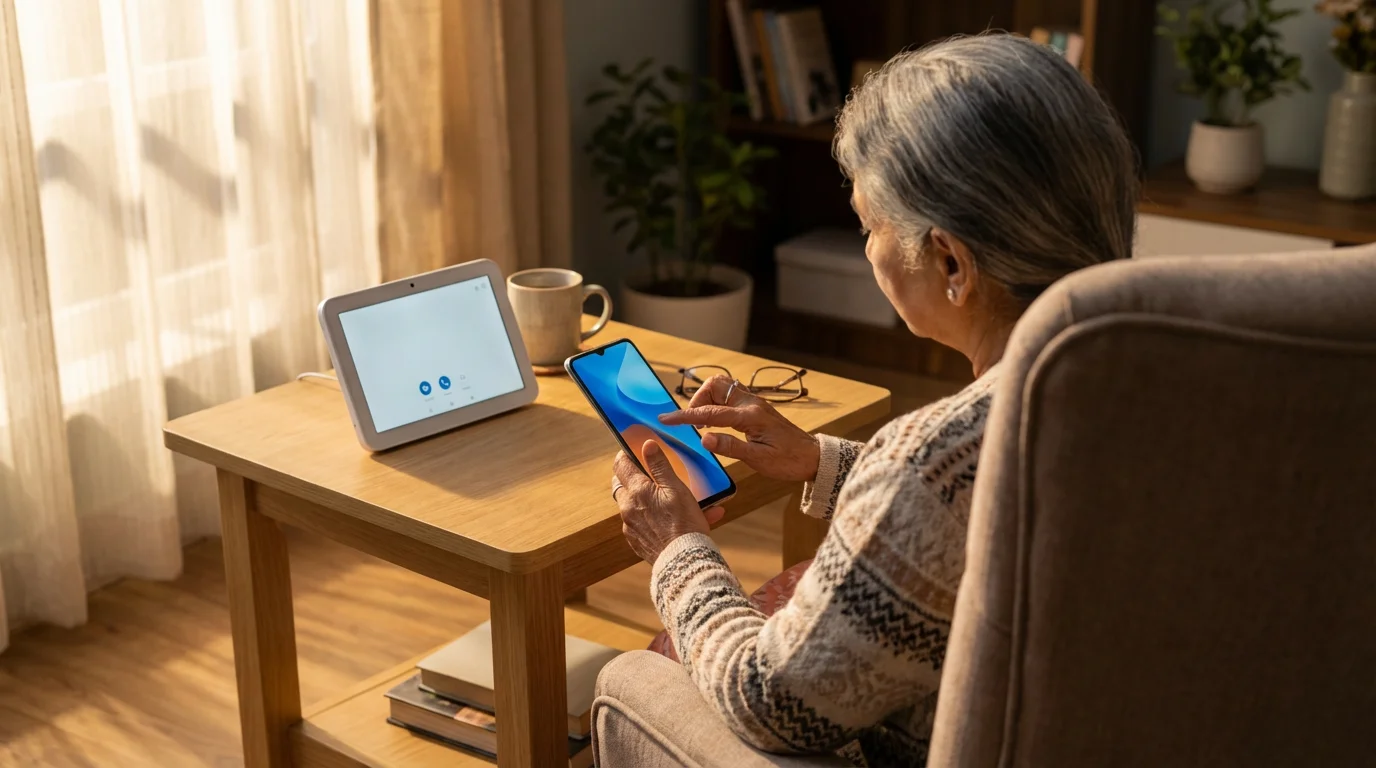
Wearable devices, such as smartwatches or fitness trackers, monitor vital signs, activity levels, and sleep patterns. I use mine to track my steps and heart rate during my four pickleball mornings a week.
Dorothy uses hers more for general activity tracking and peace of mind. These devices track steps, heart rate, and even detect falls, automatically alerting emergency contacts or staff.
The data collected can inform your healthcare providers and help you maintain a healthy lifestyle. They represent a significant step forward in personalized health management.
Telehealth platforms offer remote consultations with doctors and specialists. You can have a virtual appointment from the comfort of your apartment, reducing the need for travel and waiting room visits.
This access to care is especially valuable for routine check-ups or managing chronic conditions. Our community facilitates these virtual visits through dedicated rooms or staff assistance, which is a big convenience.
Medication management systems ensure you take the right dose at the right time. These systems range from simple pill dispensers with alarms to sophisticated automated devices that track medication adherence.
Some even connect to a pharmacy, notifying them when refills are due. This technology significantly reduces medication errors and promotes consistent health management, something I appreciate given my detailed approach to managing our lives.
Emergency alert systems provide immediate assistance in critical situations. Devices like medical alert pendants, often called personal emergency response systems (PERS), connect you to a monitoring center with the press of a button.
These systems are invaluable for residents in independent living or Assisted Living, offering rapid response when needed. They provide an essential layer of safety that factored into my “peace of mind” variable on the spreadsheet.
For more advanced care settings, remote patient monitoring devices track specific health parameters like blood pressure, glucose levels, or oxygen saturation. These devices transmit data directly to healthcare providers, allowing for early intervention and personalized care adjustments.

Entertainment and Learning: Enriching Daily Life
Beyond safety and communication, Senior Technology offers abundant opportunities for entertainment and lifelong learning. Dorothy and I both appreciate this, though we approach it differently.
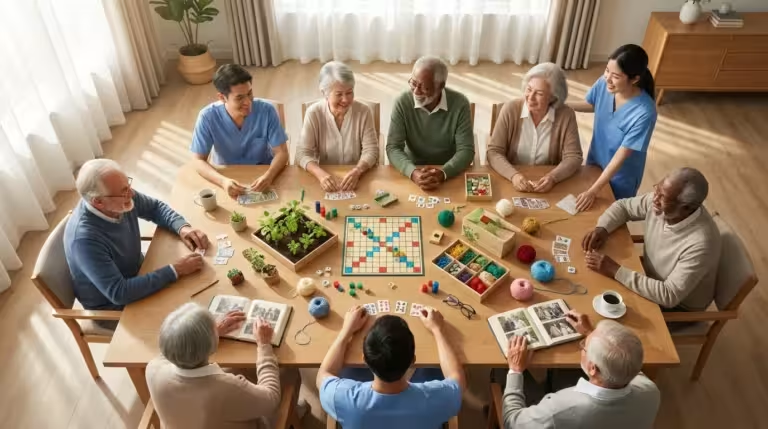
Technology has also revolutionized social hobbies, allowing residents to join senior book clubs that meet virtually to share their love of literature.
Today, many engaging activities and programs utilize tablets and streaming services to offer far more than the standard social calendar.
I’m more likely to be streaming a documentary or looking up a new recipe to try (something I never did when I was working!), while Dorothy uses her tablet for watercolor painting tutorials.
Retirement communities recognize the importance of mental stimulation and social engagement, and they often incorporate various tech solutions to enrich residents’ daily lives. These tools contribute to a vibrant and fulfilling retirement experience.
Streaming services for movies, TV shows, and music provide endless entertainment options. You can access thousands of titles on demand, choosing exactly what you want to watch or listen to.
Smart TVs and tablets make these services easily accessible from our living space. Our community also organizes group viewing events using these platforms, which Dorothy enjoys.
Digital libraries and e-readers offer convenient access to books, magazines, and newspapers. I’ve found myself reading more since we moved, downloading new titles instantly and adjusting font sizes for comfortable reading.
This allows you to explore new authors or revisit old favorites without accumulating what I once estimated to be “approximately one metric ton of stuff we don’t need” back in our Columbus house.
Online platforms also provide audiobooks, ideal for those with visual impairments or who prefer listening.
Online courses and educational platforms support continuous learning and personal growth. Dorothy has been exploring new hobbies, like her watercolor painting, through virtual lectures and workshops.
Many universities offer free online courses, and our community often hosts learning groups centered around these digital resources, fostering intellectual engagement among residents.
Virtual reality (VR) experiences are emerging as a powerful tool for engagement. VR headsets transport residents to different places, allowing them to travel virtually, revisit old hometowns, or explore new worlds.
This immersive technology provides unique opportunities for reminiscence therapy and stimulating new experiences. Some communities invest in VR programs to combat isolation and promote cognitive health.
Gaming, from simple tablet games to more complex console experiences, also offers mental stimulation and social interaction. Many games promote cognitive function and hand-eye coordination.
Group gaming sessions in community common areas foster friendly competition and camaraderie. These diverse entertainment and learning options enhance the overall quality of life for seniors, even for an old civil engineer like me.
Technology in Different Senior Living Settings
As I mentioned, my two years of research before we moved to Hawthorn Ridge involved a pretty detailed comparison matrix. Understanding how technology varied across different senior housing options was a key part of that.
It helped me identify communities best suited to Dorothy’s and my needs. What technology is useful for seniors depends significantly on the level of care and independence desired.
Each setting leverages Retirement Tech to enhance specific aspects of resident life, and I made sure to factor this into our decision.
Independent Living and 55+ Communities
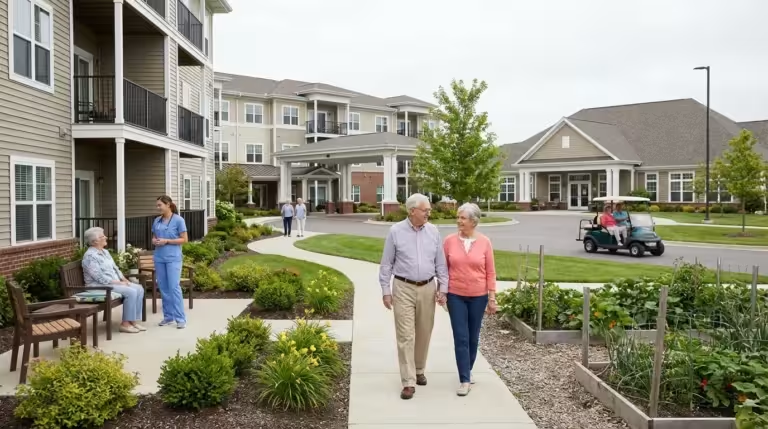
In independent living and 55+ communities, like Hawthorn Ridge, technology often focuses on convenience, connectivity, and personal interests. Residents typically manage their own tech, from smartphones to smart home devices.
Our community provides robust Wi-Fi, offers tech support, and integrates smart features into common areas. The emphasis is on empowering residents to maintain their independent lifestyles with digital tools, which was exactly what we were looking for.
- Tech Focus: Personal devices, smart home automation, high-speed internet, community portals, entertainment streaming, virtual learning.
- Typical Features: Smart thermostats, keyless entry, resident apps for activity sign-ups, strong Wi-Fi, computer labs, tech classes.
Assisted Living Facilities
Assisted Living facilities integrate technology to support daily care needs, enhance safety, and maintain connections. While residents may still use personal devices, the facility often provides or manages specific technologies.
These tools assist with Activities of Daily Living (ADLs) and offer additional layers of security. Staff members are often available to help residents with their tech.
- Tech Focus: Medication management, personal emergency response systems (PERS), fall detection, telehealth, simplified communication devices, activity scheduling via resident apps.
- Typical Features: Automated pill dispensers, wearable alert buttons, smart sensors for safety, staff-assisted video calls, digital activity calendars.
Memory Care Facilities
Memory care facilities utilize technology to create a safe, engaging, and calming environment for residents with cognitive impairments. The focus shifts to safety, orientation, and therapeutic engagement.
Technology in these settings is often unobtrusive and designed to reduce anxiety. It also supports staff in providing specialized care.
- Tech Focus: GPS tracking for safety, therapeutic virtual reality, simplified communication tools, smart sensors for wandering, reminiscence therapy applications.
- Typical Features: Wearable GPS trackers, digital photo frames with family pictures, virtual reality for calming experiences, specialized communication devices, ambient sound systems.
Continuing Care Retirement Communities (CCRCs)
Continuing Care Retirement Communities (CCRCs) offer a continuum of care, from independent living to skilled nursing. This means the technology available adapts to residents’ evolving needs.
In the independent living phase, tech is similar to standard 55+ communities.
As residents transition to Assisted Living or skilled nursing, the tech provided becomes more integrated with care services. A CCRC provides a comprehensive approach to Senior Technology.
- Tech Focus: Seamless transition of tech support and devices across care levels, integrated health monitoring systems, advanced telehealth capabilities, personalized engagement tools.
- Typical Features: Consolidated resident health records, diverse tech training programs, call bell systems, specialized adaptive technologies as needed for different care levels.
Nursing Homes and Skilled Nursing Facilities (SNF)
Nursing homes and Skilled Nursing Facilities (SNF) primarily focus on medical care and rehabilitation. Technology here heavily supports clinical operations and patient safety.
Electronic health records, advanced monitoring equipment, and communication tools for care teams are standard. Patient-facing technology focuses on comfort, safety, and communication with family.
Medicare’s Care Compare tool offers insights into the quality of care and facilities, which often includes tech integration.
- Tech Focus: Electronic health records (EHR), nurse call systems, advanced medical monitoring, communication portals for families, rehabilitation technology.
- Typical Features: Bed alarms, smart monitoring of vital signs, digital whiteboards for care plans, secure video conferencing with family, rehabilitation robotics.
Choosing the Right Technology: Practical Considerations
When Dorothy and I were selecting a retirement community, I treated it like a major engineering project. My comparison matrix with 14 variables was critical, and technology was a significant column.
I believe you should consider how well a community’s technology offerings align with your current and future needs.
What technology is useful for seniors varies greatly from person to person, and proactively assessing tech integration during your search ensures you find a supportive and modern environment. These considerations helped me make an informed choice, and they’ll help you too.
| Technology Category | Key Applications for Seniors | Considerations When Choosing a Community |
|---|---|---|
| Communication | Video calls, messaging, email, social media. | Wi-Fi quality, tech support, common area devices, ease of use. |
| Safety & Security | Emergency alerts, fall detection, smart locks, sensors. | Integration with staff, response protocols, personal device compatibility. |
| Health & Wellness | Wearables, telehealth, medication reminders, remote monitoring. | Access to healthcare providers, data privacy, staff training, device compatibility. |
| Entertainment & Learning | Streaming services, e-readers, online courses, VR. | Variety of options, community programs, device availability, accessibility. |
| Smart Home | Voice assistants, smart lighting, thermostats. | Installation support, customization options, cost, ease of use. |
Start by evaluating your own comfort level and experience with technology. Are you like me, someone who enjoys digging into the details, or do you prefer simpler interfaces like Dorothy sometimes does?
Many communities offer introductory classes and one-on-one assistance, making it easier for newcomers to adopt new tools. I made sure to ask about the level of tech support available to residents at Hawthorn Ridge.
Consider the infrastructure of the community itself. Does it offer reliable, high-speed internet throughout the facility and in individual residences?
Is Wi-Fi included in the monthly fees, or is it an additional cost? As a retired civil engineer, I can tell you a strong internet connection is the foundation for almost all modern senior technology uses, and it was a non-negotiable for me.
During tours, specifically ask about the technology residents use. Inquire about smart home features, emergency systems, and communication platforms.
Ask if the community provides devices like tablets or smart TVs, or if residents bring their own. Understand how these technologies integrate with daily life and care services.
These were all questions I had ready on my clipboard.
Here are important questions to ask regarding technology when touring communities:
- What is the quality and speed of Wi-Fi access throughout the community? Is it included in the monthly fee?
- Does the community offer tech support or training classes for residents?
- What smart home features are available in individual residences or common areas?
- What emergency alert systems are in place, and how do they work?
- How does the community facilitate communication between residents, staff, and families?
- Are there telehealth services or remote patient monitoring options available?
- What entertainment and educational technologies does the community offer (e.g., streaming, online courses, VR)?
- Do they have a resident portal or app for accessing schedules, menus, or community news?
- Can residents bring their own technology, and will staff assist with setup?
- How does the community ensure data privacy and cybersecurity for residents using their networks?
Addressing Challenges and Embracing the Future
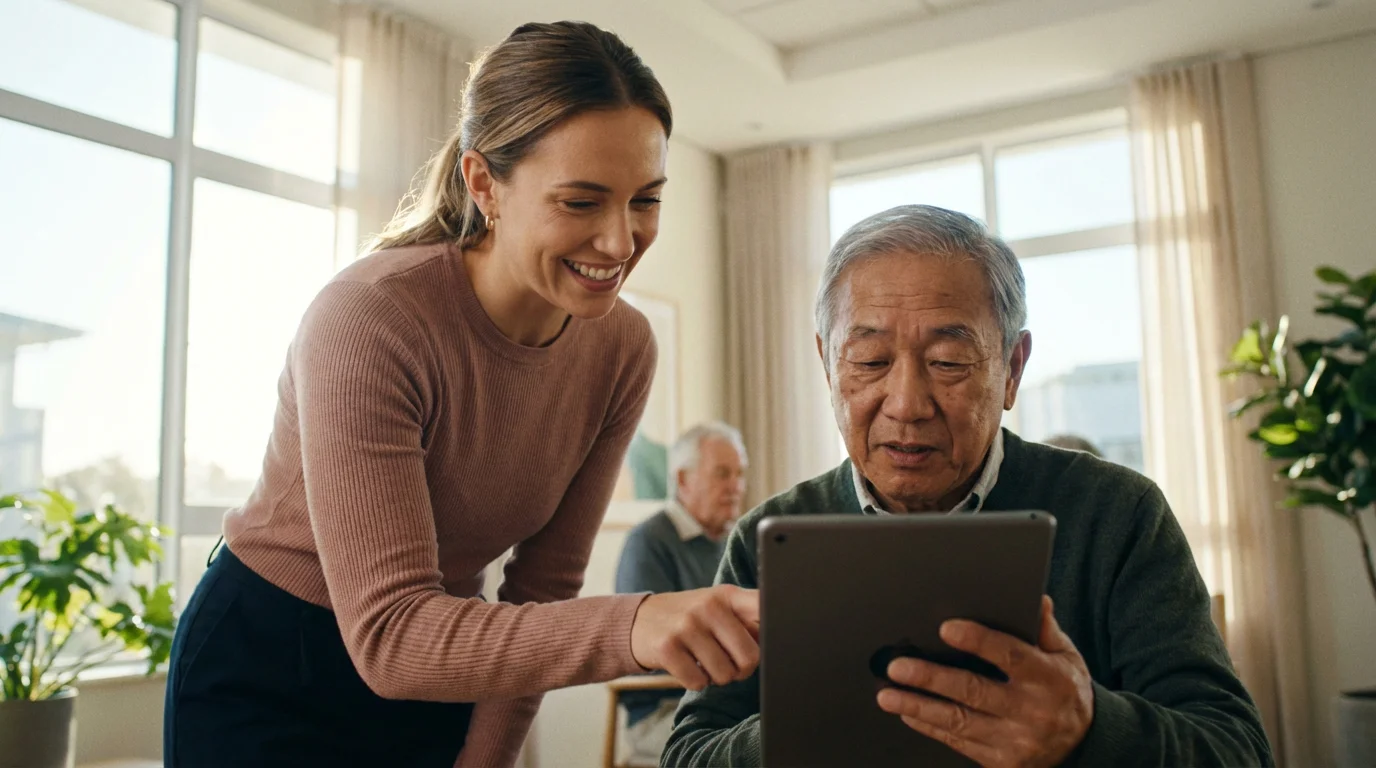
While Senior Technology offers immense benefits, I’ve seen firsthand that challenges exist, particularly concerning adoption and accessibility. Dorothy, for instance, wasn’t always as keen on new devices as I was, and I had to help her set up her first tablet.
Not all seniors are equally comfortable with new devices, and some may face barriers related to cost, digital literacy, or physical limitations. Retirement communities play a crucial role in overcoming these hurdles through thoughtful integration and support.
Digital literacy remains a primary concern. Many communities address this by offering beginner-friendly tech classes, one-on-one coaching, and simplified interfaces on shared devices.
Patience and clear instruction help residents gain confidence and competence with new tools. The goal, as I see it, is to make technology approachable, not intimidating.
Cost can also be a barrier, as advanced devices and services sometimes come with a price tag. Communities may mitigate this by including certain technologies in their monthly fees or providing communal devices.
Discussing financial considerations for technology during your community search is important. Understand what is included and what might be an additional expense – I always had that column on my spreadsheet.
Physical limitations, such as impaired vision or hearing, or reduced dexterity, require adaptive technology. Communities increasingly offer devices with large print, voice control, or specialized input methods.
These accommodations ensure that technology remains accessible to a wide range of residents, promoting inclusivity. The National Council on Aging (NCOA) provides resources on adaptive technologies for seniors, which I found helpful during my research.
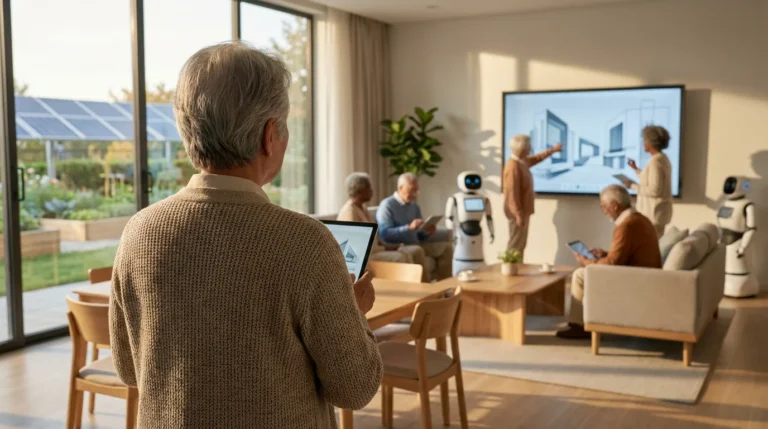
The future of Retirement Tech promises even greater personalization and integration. Artificial intelligence will likely play a larger role in predictive health analytics and personalized care plans.
Robotics might assist with daily tasks or companionship. Communities will continue to evolve, seeking innovative ways to leverage Senior Technology for the benefit of their residents.
It’s an exciting time, even for an old engineer like me.
Embracing technology means fostering an environment of continuous learning and adaptation. Communities that prioritize tech integration demonstrate a commitment to modern living and resident well-being.
They empower you to live a more connected, independent, and fulfilling life. As you explore your options, seek out communities that actively invest in and support the use of useful senior technology – it’s a decision you won’t regret.
Frequently Asked Questions
What types of senior technology are most commonly found in retirement communities?
From what I’ve seen and researched, most retirement communities offer robust Wi-Fi, emergency call systems, and access to basic communication tools like video calling. Many also provide smart home features, resident portals for activities, and assistance with personal devices.
The specific technologies vary significantly by the community’s focus and level of care, so it’s worth asking about the specifics.
How do retirement communities help seniors learn to use new technology?
Communities typically offer various forms of support. This includes introductory tech classes, one-on-one coaching sessions, and dedicated tech support staff.
They often provide simplified devices or apps designed for ease of use. The goal, as I’ve observed, is to make learning comfortable and accessible for everyone, even those who might be a bit more hesitant, like Dorothy initially was.
Is personal emergency response system (PERS) technology integrated into assisted living communities?
Yes, personal emergency response systems (PERS) are a common and critical feature in Assisted Living facilities. Residents often receive wearable devices, like pendants or bracelets, that connect directly to staff or a monitoring center.
This ensures immediate assistance is available in case of a fall or other emergency, which is a key peace-of-mind factor.
Can I bring my own smart devices, like a smart speaker or tablet, to a retirement community?
Most retirement communities allow and encourage residents to bring their personal smart devices. They provide Wi-Fi access to support these devices.
It is always best to confirm with the specific community during your tour and ask about any setup assistance they offer – I certainly did before we moved.
How does technology contribute to the safety and security of residents?
Technology significantly enhances safety and security through emergency alert systems, fall detection sensors, and smart home features like automated lighting and smart locks.
These tools provide rapid response in emergencies, reduce accident risks, and offer residents greater control over their personal security within their living spaces. It’s a practical, engineering-minded approach to safety.
What is the cost of technology in senior living? Is it included in the monthly fees?
The cost of technology varies. Many communities include basic Wi-Fi and access to communal tech (like computer labs) in their monthly fees.
Advanced smart home features, personal emergency devices, or specialized services might come with additional costs or require you to purchase your own equipment. Always inquire about what is included versus extra fees – I always had that column on my spreadsheet!
Disclaimer: This article is for informational purposes only and does not constitute medical, legal, or financial advice. Senior housing costs, services, and availability vary significantly by location and provider. We strongly encourage readers to tour multiple communities, review contracts carefully with legal counsel, and consult with eldercare specialists, financial advisors, and healthcare providers before making housing decisions.