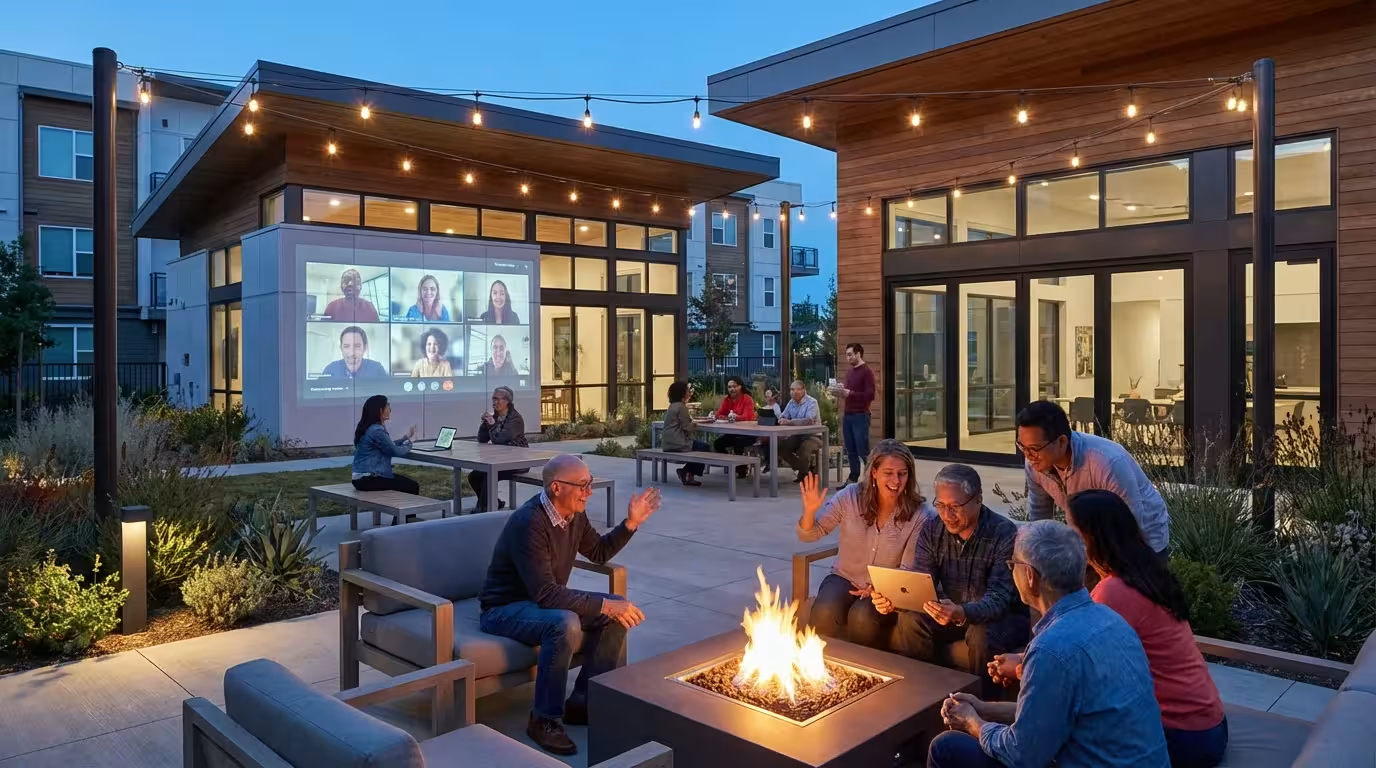
When Bill and I first moved to Hawthorn Ridge here in Sarasota, Florida, I was so focused on adjusting to a new place – and honestly, still missing my garden back in Columbus – that I didn’t give much thought to technology.
I just wanted to find the pool and maybe a good bakery! But oh, how wrong I was to underestimate it.
We’ve found that technology has become such a wonderful helper in making new connections, staying active, and especially, keeping our family close, even with our children and grandchildren spread across the country.
Before we decided on Hawthorn Ridge, we spent a lot of time reading through a guide to choosing a 55+ community to make sure it fit our lifestyle and technical needs.
I know some of us might feel a bit like a deer in headlights when it comes to new gadgets and apps. I certainly did, thinking back to my elementary school library days when a computer was a big, clunky box!
But I’ve learned that these days, most of these tools are designed to be quite friendly. Bill, of course, probably had a spreadsheet comparing all the best apps before we even packed a box.
But even for me, someone who prefers a good book and a paintbrush, I’ve seen firsthand how technology truly empowers us to thrive in our community and beyond.
In this guide9 sections
- Embracing Digital Literacy: A Foundation for Connection
- Beyond Email: Communication Tools for Modern Community Living
- Online Communities and Interest Groups: Expanding Your Social Circle
- Staying Informed and Engaged: Community Portals and Apps
- Bridging Generations: Technology for Family Connections
- Health, Wellness, and Safety: Technology’s Supportive Role
- Overcoming Hurdles: Resources for Digital Skill Building
- Choosing a Tech-Friendly Community: What to Look For
- Frequently Asked Questions

Embracing Digital Literacy: A Foundation for Connection
You know, when I first started my watercolor painting class here at Hawthorn Ridge, I wasn’t very good. Still not, frankly!
But I didn’t let that stop me from trying. It’s the same way I think about learning new things on the computer or my tablet.
Digital literacy might sound like a fancy term, but really, it just means getting comfortable enough to use our devices and the internet safely. It’s truly the cornerstone for connecting with people these days, whether they’re down the street or across the country.
Our community here, Hawthorn Ridge, is wonderful about this. They actually have a lovely woman named Carol who offers little workshops on everything from setting up your email to using video calls.
I remember going to one of her sessions when I first got my tablet. It felt a bit silly at first, but having that one-on-one help made all the difference.
Bill, of course, just handed me the manual, which was absolutely no help to me at all! Getting more comfortable with technology has truly empowered me to jump into more things here.
I can tell you from my own experience, and what I see with my friends here, that diving into the digital world really does make a difference. I feel less isolated, and honestly, a lot more confident.
It’s definitely a worthwhile endeavor, even if you just start with something small.

Beyond Email: Communication Tools for Modern Community Living
I always thought email was perfectly sufficient for keeping in touch, and for some things, it still is. But oh my goodness, the world has moved so far beyond just sending letters back and forth on a screen!
These days, there are so many wonderful ways to connect instantly.
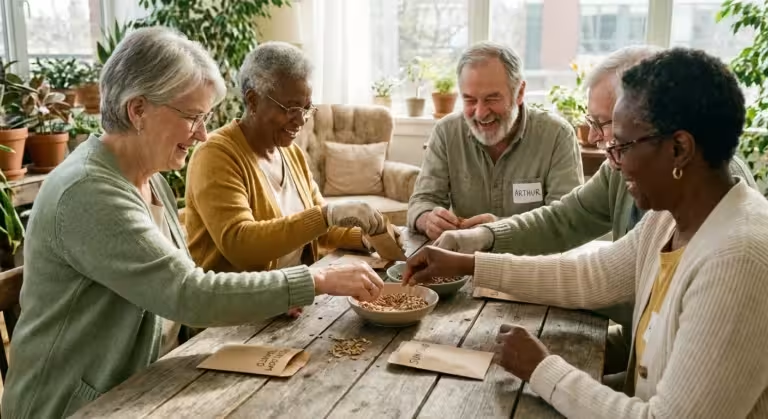
It’s like having a little party line right in your pocket, making it easy to chat with my new “Florida family” – that’s what I call my three wonderful friends here – or plan a spur-of-the-moment lunch.
Having these instant connection tools helps tremendously when navigating communication challenges that can sometimes happen in shared living spaces.
Video calls, in particular, have been an absolute godsend. When Karen, our daughter, told me, “Mom, the grandkids want YOU, not the house,” it really hit home how important it was for me to stay close to Lily and Noah.
Now, thanks to video calls, I can see their sweet faces, watch them open presents, or even read them a bedtime story from over a thousand miles away. Seeing their smiles, hearing their giggles – it makes all the difference in the world.
And those messaging apps? They’re just marvelous for quick little notes.
My friends and I have a group chat where we share photos of our latest baking attempts (mine are usually better than my watercolors!) or coordinate who’s bringing what to our next potluck. It’s so much easier than a round-robin of phone calls.
They’re invaluable for those impromptu gatherings, like when someone spots a new bird at the preserve.
If you’re wondering where to start, here are some of the tools Bill and I (mostly me, I confess!) use:
- Video Call Apps: We use FaceTime a lot because our kids have iPhones, but Zoom and Google Meet are great too. It’s like magic, seeing everyone right there.
- Messaging Apps: WhatsApp is what my friends and I use for our little group chat. It’s so simple to send texts and photos.
- Community-Specific Apps: Hawthorn Ridge has its own app, which Bill absolutely loves because it’s so organized. I use it mostly to see what activities are happening!
Trust me, getting a handle on these tools really does make your social life so much richer. It’s a bit like learning to drive a new car – a little scary at first, but then you wonder how you ever lived without it!
Online Communities and Interest Groups: Expanding Your Social Circle
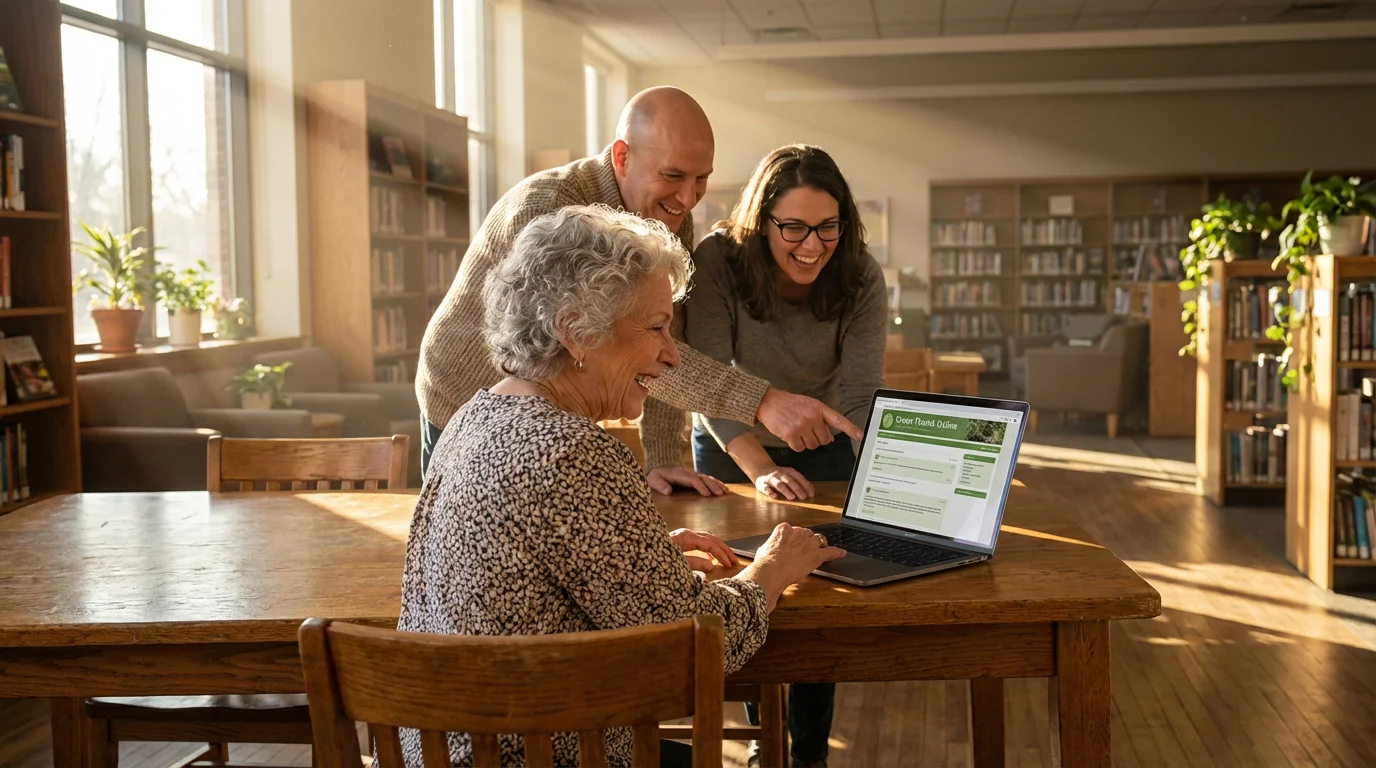
One of the biggest surprises for me after moving here was how much the internet could help me find people who share my interests. I mean, beyond just chatting with my neighbors at the pool!
Technology really does let you stretch your social circle far beyond the gates of Hawthorn Ridge. These online communities are like little virtual clubhouses where you can connect with people who love what you love, even if they live states away.
Many tech-savvy residents also find that resident-led initiatives are much easier to organize and manage when you have the right digital tools at your disposal.
Finding these digital spaces is one of the most effective strategies for connection when moving to a new area.
Right here in Hawthorn Ridge, we have a private Facebook group for residents. It’s where people post about upcoming events, ask for recommendations for local plumbers (always useful!), or even organize impromptu card games.
I’ve found it a lovely way to feel more connected to the day-to-day happenings and to get to know more people, especially when I was still feeling a little shy about talking to strangers, even though I do it all the time now at the pool!
And beyond our community, there are so many groups! I’ve peeked into a few online groups for watercolor enthusiasts – though I mostly just admire their work, mine is still more “abstract expressionism” than actual art.
Bill, of course, found a forum for antique train collectors, which I still don’t quite understand, but he’s happy.
It’s just so easy to find a group for almost anything you can imagine, whether it’s baking, reading, or even reminiscing about growing up in Ohio.
If you’re wondering how to find these groups, it’s usually as simple as typing your interest into a search bar on a platform like Facebook. Don’t feel like you have to be the most active participant right away.
You can just “lurk” for a while, as my son Michael calls it, and see what people are talking about.
It’s a wonderful way to feel less isolated, especially on those days when you just want to stay in with a good book and a fresh batch of cookies.

Staying Informed and Engaged: Community Portals and Apps
One thing Bill absolutely loved about Hawthorn Ridge, even before we moved, was their community app. He had, naturally, researched all the different community apps in his comparison matrix with 14 variables!
And I have to admit, he was right about this one. It’s truly a lifesaver for keeping up with everything happening.
Imagine never missing the weekly Mahjong game or a potluck because all the information is right there on your phone or tablet.
Digital portals are just one of the many trends and innovations currently transforming how modern retirement communities operate.
Staying active through these apps allows us to fully enjoy the many benefits of community living beyond just having a place to stay.
Before we had the app, I was always asking someone, “When’s the next book club meeting?” or “Is the aquatics class still on Tuesday?” Now, I just open the app.
It makes it so simple to see what’s coming up, sign up for a new club, or even RSVP for our community holiday party. It’s like having a friendly community bulletin board that fits right in your purse!
For us here at Hawthorn Ridge, our community’s own app is definitely one of the best tools. It typically includes:
- Event Calendars: I use this constantly to see what activities are planned, from water aerobics to happy hour.
- Resident Directories: This was so helpful when I first moved here and wanted to connect with my “Florida family” after meeting them at the pool!
- News and Announcements: Important updates about things like pool maintenance or when the next food truck is coming.
- Amenity Booking: Bill uses this to reserve the pickleball courts, of course.
- Interest Group Forums: A place where the garden club or the painting group can share updates.
Using these digital tools really does help you feel like you’re part of everything.
It’s like having a direct line to the heart of the community, and it helps you feel a stronger sense of belonging, which was so important to me after leaving our home on Elmwood Drive in Columbus.

Bridging Generations: Technology for Family Connections
Oh, this is probably my very favorite part about technology! Being able to connect with our children – Karen in Cincinnati, Michael in Seattle, and Susan in Austin – and especially our two precious grandchildren, Lily and Noah, means the world to me.
They’re spread out so far, and honestly, that was one of my biggest worries about moving from Columbus. But these digital tools have made bridging that distance so much easier than I ever imagined.
Video calls are truly magical. Just last Sunday, after I finished my baking, Bill and I had a video call with Lily and Noah.
Lily, who’s nine now, showed me a picture she drew, and Noah, who’s seven, was telling me all about his latest soccer game.
It’s not quite the same as having them here for Sunday dinner, but seeing their faces, hearing their voices, it just warms my heart.
I even recorded myself reading one of their favorite books once and sent it to Karen to play for them at bedtime. It made me tear up a little, thinking about how much I used to read to them when they were tiny.
We also have a family group chat that Karen set up for all of us. It’s perfect for quick updates, sharing photos of what we’re up to here at Hawthorn Ridge, or just sending a silly joke.
It keeps us all in the loop without feeling like we have to make a big formal phone call every time.
If you’re looking for ways to keep your family connections strong, I’d suggest:
- Regular Video Calls: We try to do a weekly one with each of our kids. It’s lovely to catch up face-to-face, even if it’s just on a screen.
- Photo Sharing Apps: Bill and I use Google Photos, and it’s so easy to share pictures of our day or our latest adventures with the family.
- Family Group Chats: A simple group text is perfect for those quick “thinking of you” messages or sharing a funny story.
- Digital Storytelling: Recording yourself reading a book or telling an old family story is such a sweet way to connect with younger grandchildren. I wish I’d done more of this when Lily and Noah were smaller!
These connections truly enrich my life. It reminds me of what Karen said that finally convinced me to move: “Mom, the grandkids want YOU, not the house.”
And technology helps me be “me” for them, no matter where I am.

Health, Wellness, and Safety: Technology’s Supportive Role
Beyond all the wonderful ways technology helps me connect with people, it also gives me such peace of mind when it comes to my health and safety.
I know Bill, with his engineering mind, always appreciates the practical side of things, and even I have to admit, it’s quite impressive!
Bill wears a smart watch that tracks his steps and his heart rate – he’s always telling me how many steps he got playing pickleball four mornings a week!
I don’t wear one, but I do use my phone to track my walks around Hawthorn Ridge. It’s a nice little nudge to keep moving, and I appreciate how easy it is to see my progress.
Our community even has some wellness programs that use these kinds of devices, which is a neat way to stay motivated.
I’ve also found telehealth appointments to be incredibly convenient. When I had a little cough last winter, instead of driving all the way to the doctor’s office, I was able to talk to my doctor right from my living room.
It saved me so much time and hassle, especially since I’m not as familiar with all the local routes here in Sarasota yet.
And for safety, we feel very secure. Our smart doorbell lets us see who’s at the door before we open it, which is reassuring.
And several of my friends here wear those medical alert pendants, just in case. It’s good to know that help is just a button press away if something were to happen.
These little technological helpers really do make a difference in feeling independent and secure every single day.
Overcoming Hurdles: Resources for Digital Skill Building
Now, I know all this talk about technology might still feel a bit overwhelming for some of you, and believe me, I understand!
I was the one who resisted moving to Florida for nearly two years, and it took me a full year after we arrived to truly admit I was wrong.
Learning new things, especially when you’re used to doing things a certain way, can be really daunting. But just like I learned to love our new life here, you can absolutely get comfortable with technology, one small step at a time.
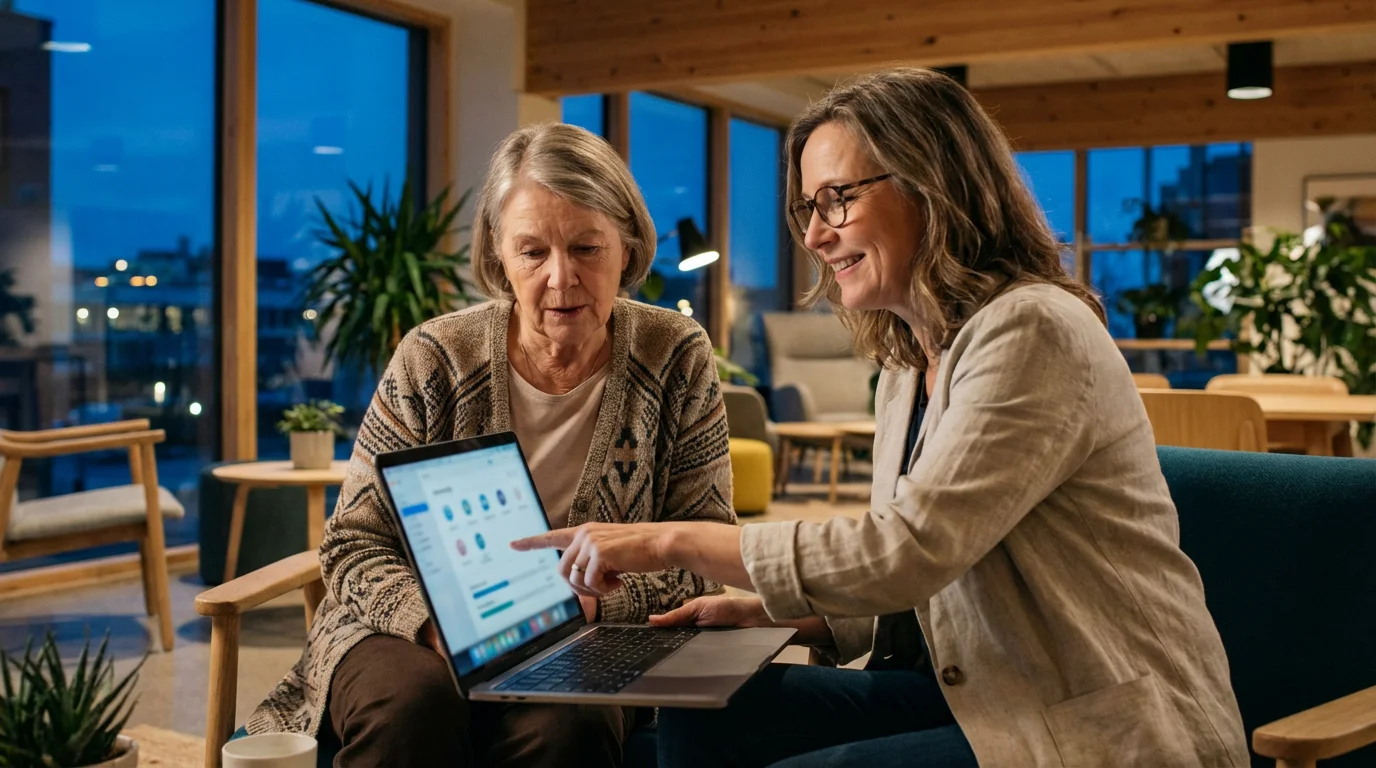
Our community here at Hawthorn Ridge is a fantastic place to start. Remember Carol, the lovely woman who teaches the tech workshops?
She’s so patient, and it’s wonderful to have someone right here who can help you with your specific questions. It’s much better than Bill trying to explain something by showing me a complicated diagram!
And if you don’t have a Carol nearby, there are so many other ways to get help. My daughter Karen has shown me a few YouTube videos that walk you through things step-by-step.
And our local library still offers free computer classes, just like the one I used to run when I was a librarian in Columbus.
Here are a few things that helped me, and that I tell my friends here who are still a little hesitant:
- Start Small: Don’t try to learn everything at once. Maybe just focus on sending a photo to your grandchild first, or checking the community calendar.
- Utilize Community Resources: If your community offers classes or one-on-one help, take advantage! It’s what they’re there for.
- Ask a Trusted Friend or Family Member: My kids and grandkids are always happy to help, even if Bill sometimes gets a little impatient.
- Explore Online Tutorials: YouTube is surprisingly full of helpful videos. Just type in what you want to learn!
- Practice Regularly: The more you use it, the easier it gets. I try to send a message or check the weather on my tablet every day.
- Be Patient with Yourself: This is probably the most important one! Learning is a process, and it’s okay if it takes a while. Celebrate every little victory, like successfully making a video call to Lily and Noah. Remember, I wasn’t good at watercolor painting right away either, and I still love doing it!
Embracing these learning opportunities really does make you feel more confident and connected. It’s all part of making this new chapter of retirement as rich and fulfilling as possible.
Choosing a Tech-Friendly Community: What to Look For
Now, Bill, being the methodical civil engineer he is, researched 55+ communities for two full years before we moved. He had his comparison matrix with 14 variables, and I’m sure “Wi-Fi strength” was somewhere near the top!
While I was mostly focused on whether there was a good bakery nearby, I’ve come to realize that a community’s approach to technology really does make a huge difference in how connected and happy you’ll be.
When you’re looking at communities, think about how easy it will be to stay connected. Is there good Wi-Fi everywhere – in your home, at the pool, in the clubhouse?
Believe me, there’s nothing more frustrating than trying to video call your grandkids only to have the signal drop! Bill made sure we asked about internet providers and speeds when we were looking at Hawthorn Ridge.
Also, don’t be shy about asking if they offer technology help. Having someone like Carol here, who offers classes and one-on-one help, is such a blessing.
It shows that the community truly cares about all its residents feeling comfortable and included, not just the ones who grew up with computers. It’s a sign of a forward-thinking place.
I know Bill used sites like 55places.com to gather all his information, and he was very particular about how communities communicated.
Did they have a modern app, or were they still relying on notices on a corkboard? (Not that there’s anything wrong with a corkboard, but it’s nice to have options!)
When you go to visit places, here are the sorts of questions I’d encourage you to ask, even if you’re like me and prefer to talk about the garden club:
- What kind of internet service is available in homes and common areas? Is it included in the monthly fees?
- Does the community have its own resident app or online portal? What can you do with it? (Bill will tell you to ask for a demo!)
- Are there technology classes, workshops, or one-on-one support available for residents?
- How does the community handle online security and privacy for its platforms?
- Are there places in common areas where you can easily charge your devices?
- Are amenities like smart TVs or public computers available for resident use?
A community that really thinks about how technology can help you stay connected, informed, and active is a community that understands modern retirement living.
It’s a big part of why Bill and I are so happy here at Hawthorn Ridge, even if it took me a year to admit he was right about the move!
“The single greatest predictor of human happiness is the breadth and depth of your connections.”
This insight underscores the profound importance of social ties. Technology acts as a powerful enabler, helping you forge and maintain those vital connections.
Frequently Asked Questions
What are the best technology tools for us in community living?
From my experience here at Hawthorn Ridge, I’d say a good smartphone or tablet is key for easy communication. Then, video calling apps like Zoom or FaceTime are simply wonderful for keeping up with family, especially the grandkids!
Our community’s own app is also fantastic for knowing what